 Sữa gạc bọt, Polyester Swabs, Nhà sản xuất bộ dụng cụ vệ sinh máy in – MediTech
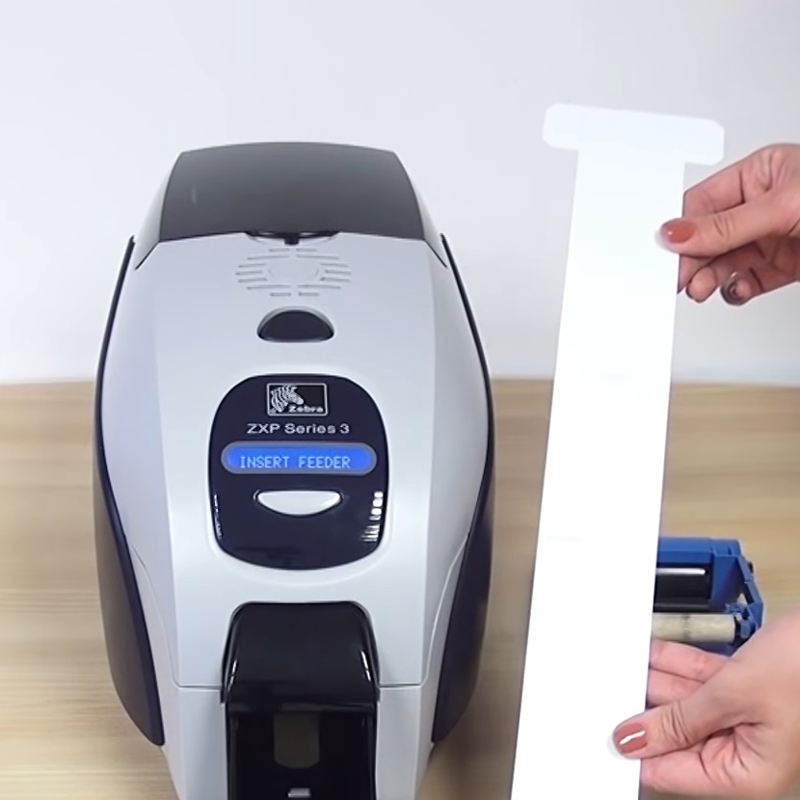
- Open the printer cover.
- Remove the ribbon from the printer.
- Close the cover and check it has clicked shut.
- Open the card feeder and remove the cards.
- Take a new T-shaped cleaning card and open the sachet.
- Press the pushbutton on the printer control panel twice.
- When the “thẻ / ruy băng” Đèn LED trên bảng điều khiển nhấp nháy, insert the T-cleaning card into the feeder.
- Cleaning starts.
- Remove the T-cleaning card.
- Place the cards back into the feeder, then replace the ribbon.