 無淨室泡棉棉籤, 聚酯棉籤, 打印機清潔套件製造商 | 醫療科技
印表機是任何辦公室或家庭的必備工具. 他們幫我們列印文件, 照片, 以及其他重要材料. 然而, 像其他設備一樣, 印表機需要維護才能正常運作. 最重要的維護實踐之一是清潔印表機. 印表機清潔卡是清潔印表機的有效方法, 但為您的印表機型號選擇合適的印表機可能具有挑戰性. 在本文中, 我們將討論如何選擇合適的 印表機清潔卡 適用於您的印表機型號.
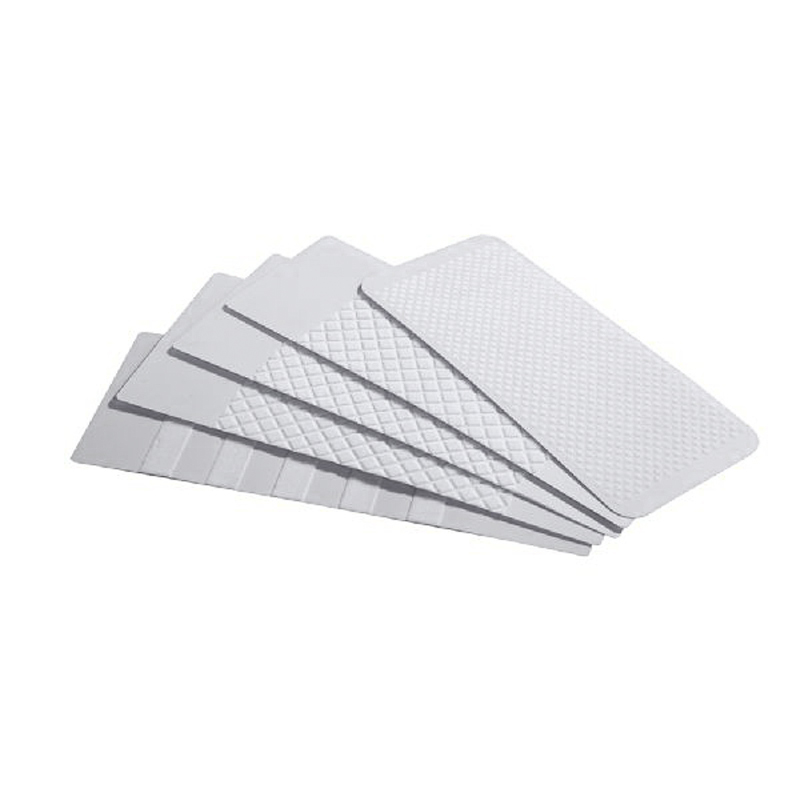
1. 確定印表機類型
選擇合適的印表機清潔卡的第一步是確定您擁有的印表機類型. 印表機主要有兩種類型: 噴墨和雷射. 噴墨印表機使用液體墨水進行列印, 而雷射印表機則使用碳粉. 每種類型的印表機需要不同類型的清潔卡. 所以, 在選擇清潔卡之前,確定您所擁有的印表機類型非常重要.
2. 檢查印表機製造商的建議
下一步是檢查印表機製造商的建議. 印表機製造商通常會提供有關如何清潔印表機的指南, 包括要使用的清潔卡的類型. 請查看印表機手冊或製造商網站,以了解有關推薦清潔卡的信息.
3. 考慮印表機型號
選擇清潔卡時請考慮印表機型號. 不同的印表機型號有不同的清潔要求. 例如, 一些印表機具有內建清潔機制, 而其他則需要手動清潔. 某些印表機需要特定類型的清潔卡, 而其他人可以使用任何類型的清潔卡.
4. 選擇正確類型的清潔卡
確定印表機類型後, 檢查了製造商的建議, 並考慮了印表機型號, 是時候選擇合適類型的清潔卡了. 清潔卡主要有兩種類型: 乾和濕. 乾洗卡旨在清除印表機滾筒和其他內部組件上的灰塵和碎屑. 濕式清潔卡旨在清潔印表機的列印頭並清除積聚的墨水.
5. 尋找相容性
最後, 選擇清潔卡時注意相容性. 一些清潔卡是為特定印表機型號設計的, 而其他則與一系列印表機相容. 確保您選擇的清潔卡與您的印表機相容,以避免損壞印表機或使保固失效.
綜上所述, 為您的印表機型號選擇合適的印表機清潔卡對於保持印表機的效能和延長其使用壽命至關重要. 按照以下步驟操作, 您可以選擇合適的清潔卡,讓您的印表機保持平穩運行.