 Sữa gạc bọt, Polyester Swabs, Nhà sản xuất bộ dụng cụ vệ sinh máy in – MediTech
Trong hệ thống thẻ, máy in thẻ là thiết bị đầu cuối quan trọng. Máy in thẻ có thể được cài đặt bằng chương trình nền để in ảnh chân dung, những cái tên, đơn vị và thông tin cá nhân khác trên bề mặt thẻ. It can be used as identity confirmation to realize various smart applications. The daily cleaning of the card printer is the key to guaranteeing its service life, so pay special attention to it. Vì thế, how to clean the card printer?
Cleaning Tools
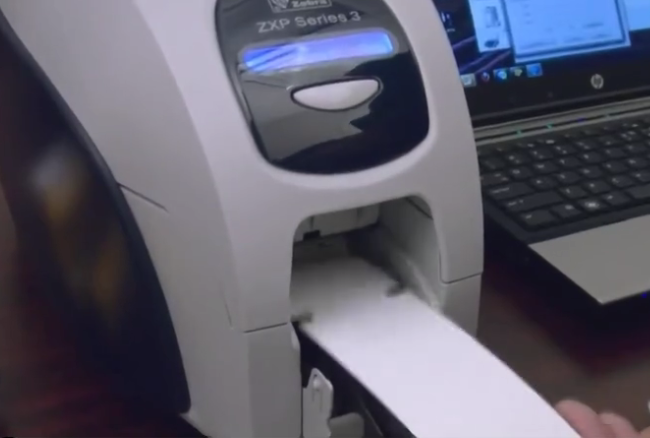
The cleaning tools of the card printer includeThẻ làm sạch vàlàm sạch gạc, which can be used in different parts.
Use of Cleaning Tools
When cleaning the card printer, first open the printer and take out the ribbon, then tear off the packaging bag, and put the cleaning card into the printer’s card tray. Open the printing preferences of the card printer driver, select the Tools tab, and click the Printer Self Cleaning button to perform cleaning. The card will exit automatically after cleaning.
Take out the cleaning cotton swab and squeeze the cotton swab stick to make the liquid flow out to the head of the cotton swab. Use a cotton swab to gently wipe the print head of the printer (wipe in one direction). Wait for the liquid to dry and the cleaning is complete.